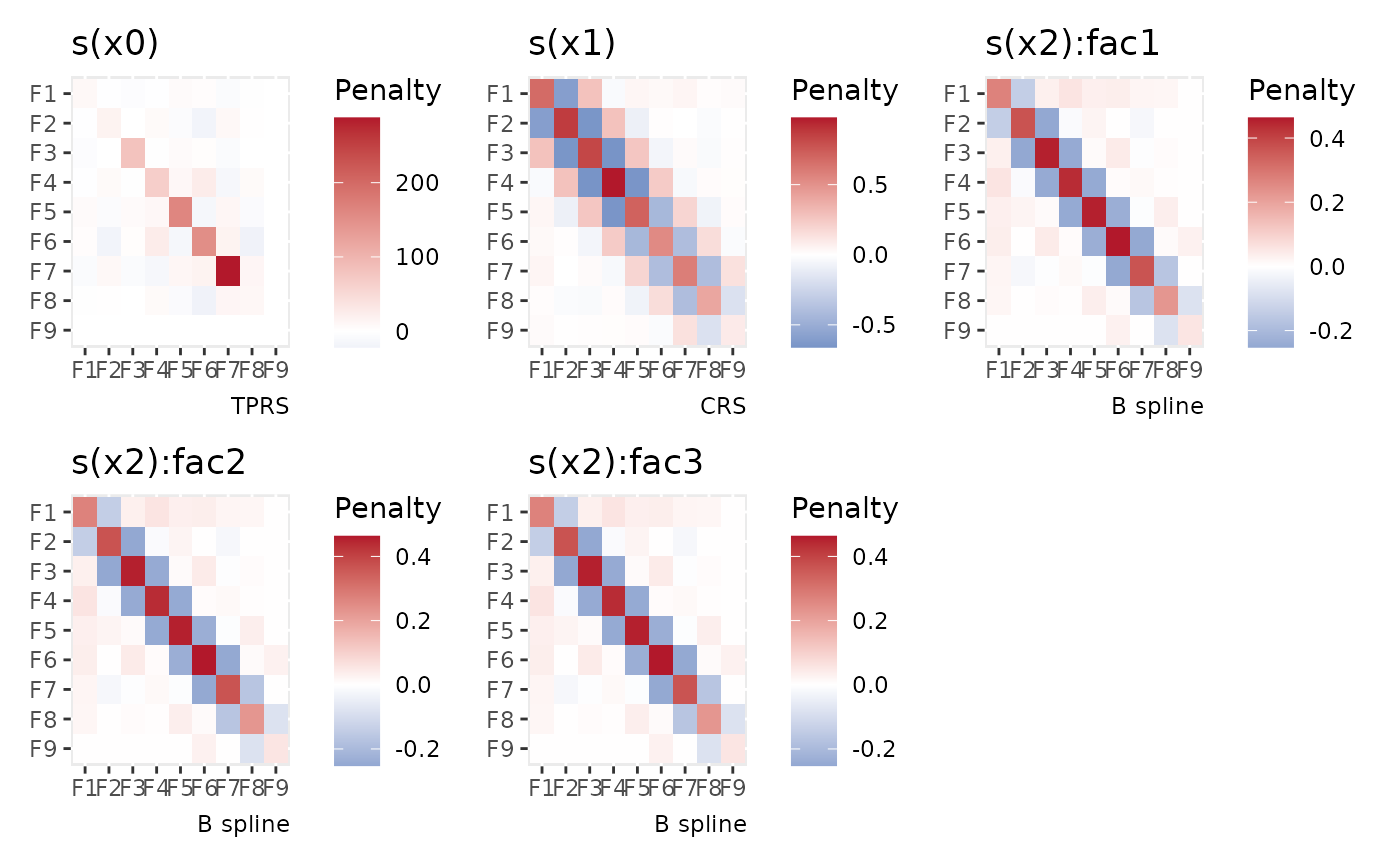
Displays the penalty matrices of smooths as a heatmap using ggplot
Arguments
- object
a fitted GAM, the result of a call to
mgcv::gam().- normalize
logical; normalize the penalty to the range -1, 1?
- as_matrix
logical; how should the plotted penalty matrix be oriented? If
TRUErow 1, column 1 of the penalty matrix is draw in the upper left, whereas, ifFALSEit is drawn in the lower left of the plot.- continuous_fill
a suitable fill scale to be used when plotting continuous variables.
- xlab
character or expression; the label for the x axis. If not supplied, no axis label will be drawn. May be a vector, one per penalty.
- ylab
character or expression; the label for the y axis. If not supplied, no axis label will be drawn. May be a vector, one per penalty.
- title
character or expression; the title for the plot. See
ggplot2::labs(). May be a vector, one per penalty.- subtitle
character or expression; the subtitle for the plot. See
ggplot2::labs(). May be a vector, one per penalty.- caption
character or expression; the plot caption. See
ggplot2::labs(). May be a vector, one per penalty.- ncol, nrow
numeric; the numbers of rows and columns over which to spread the plots.
- guides
character; one of
"keep"(the default),"collect", or"auto". Passed topatchwork::plot_layout()- geom
character; either
"raster"(the default) or"tile". Raster rendering uses an image for the matrix, which can keep large PDF plots compact. Tile rendering uses individual rectangles, providing vector cells in PDF and SVG output, but can increase file size for large matrices.- ...
additional arguments passed to
patchwork::wrap_plots().
Examples
load_mgcv()
dat <- data_sim("eg4", n = 400, seed = 42)
m <- gam(y ~ s(x0) + s(x1, bs = "cr") + s(x2, bs = "bs", by = fac),
data = dat, method = "REML"
)
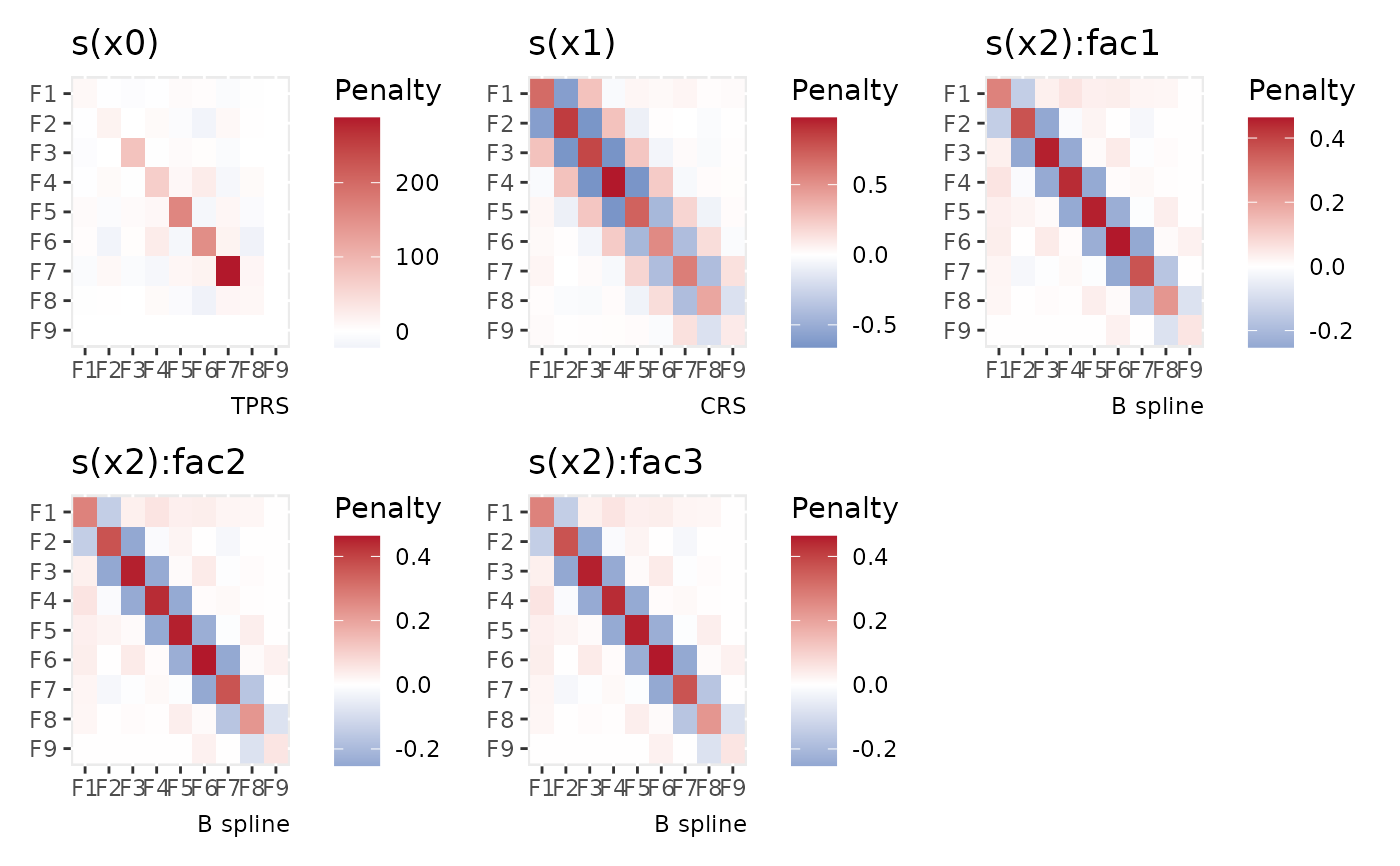
## produce a multi-panel plot of all penalties
draw(penalty(m))
 # for a specific smooth
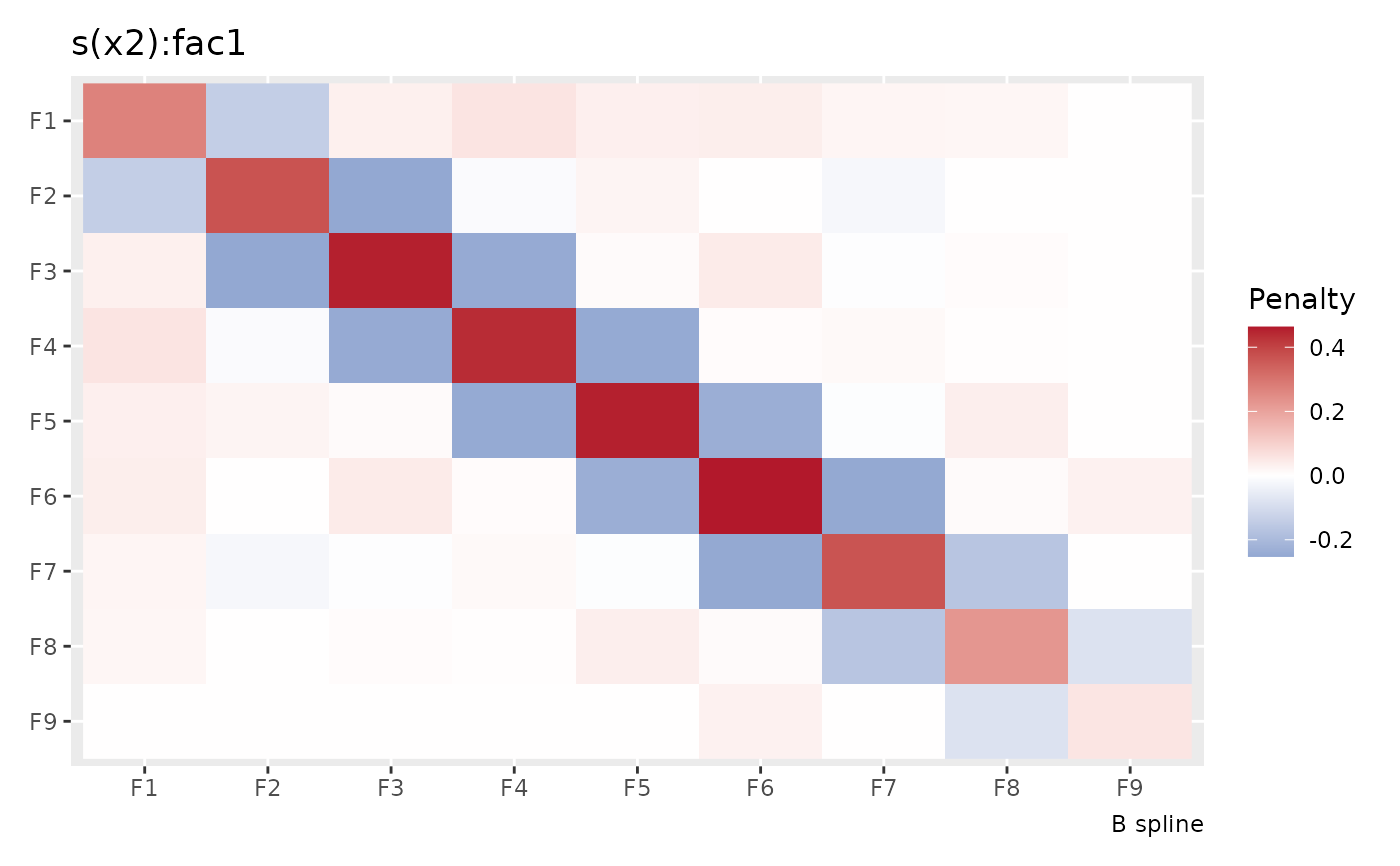
draw(penalty(m, select = "s(x2):fac1"))
# for a specific smooth
draw(penalty(m, select = "s(x2):fac1"))
 # draw individual vector cells
draw(penalty(m), geom = "tile")
# draw individual vector cells
draw(penalty(m), geom = "tile")